

If you are searching for royalty free images landscape, the fastest way to get a useful result is to think beyond the keyword itself. The image still needs to fit the project, crop correctly, and come with licensing terms that match the intended use.
This guide focuses on a practical workflow: how to search more precisely, how to evaluate visual quality, and what to verify before an image becomes part of a commercial or editorial project.
Generic landscape searches create generic results
Searching only for landscape or mountains often returns polished but interchangeable scenes. Add location type, season, weather, time of day, and viewpoint to make the result set more useful.
Examples include alpine lake overcast morning, desert road blue hour, coastal cliffs fog, autumn forest aerial, or mountain village sunrise.
Light is often more important than the location
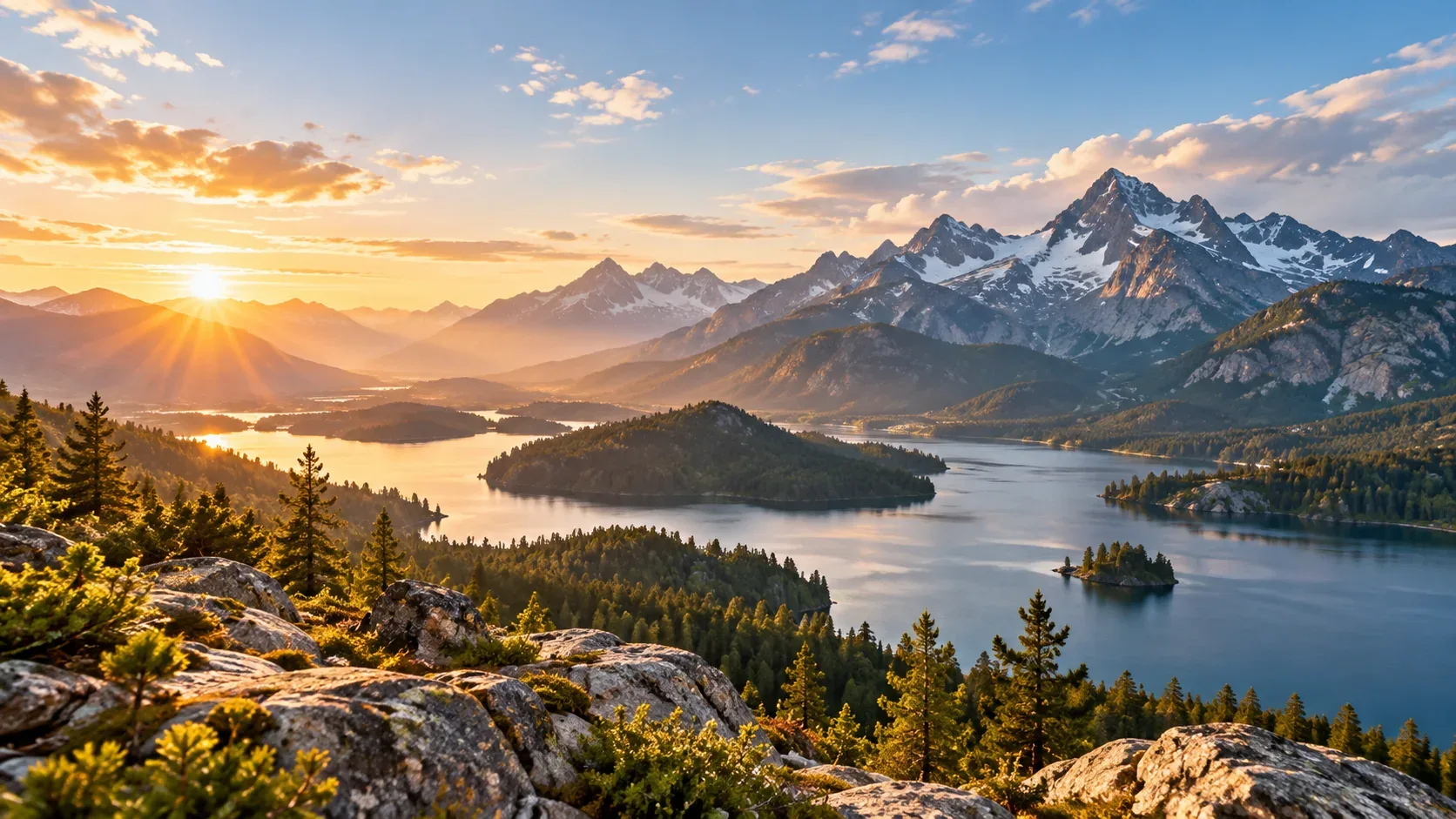
The same place can communicate calm, drama, isolation, luxury, adventure, or danger depending on light and weather. Golden hour is warm and familiar; overcast light is softer; storm light adds contrast; blue hour feels cooler and more cinematic.
Look for foreground, midground, and background
Landscape images with depth tend to feel more immersive. Rocks, plants, roads, people, fences, or water in the foreground can create scale and guide the eye into the scene.
For website banners, keep an eye on horizon placement and negative space so text does not compete with the busiest part of the image.
Choose resolution based on where the image will live
A landscape used as a full-width desktop hero or large print needs more detail than one used as a card thumbnail. Avoid enlarging a small source file after design work has already started.
Nature licensing can still involve property and people
A wilderness scene may be straightforward, but recognizable private property, artwork, branded vehicles, or identifiable people can add licensing considerations. See the nature-image guide for a broader workflow.
How to make the final choice
Before downloading, compare a few candidates at the size and crop you will actually use. Check whether the subject remains clear on mobile, whether text has enough breathing room, and whether the image still feels relevant after the first visual impression.
Then verify the license and save the source information with the project. If you need a broader refresher on licensing terminology, start with our royalty-free images guide. For faster searching, see how to search royalty-free stock images.
Explore visual assets on IHaveStock
IHaveStock is building a practical marketplace for stock photography and visual assets. Browse the marketplace when you need imagery for websites, campaigns, publishing, social content, and creative projects.