


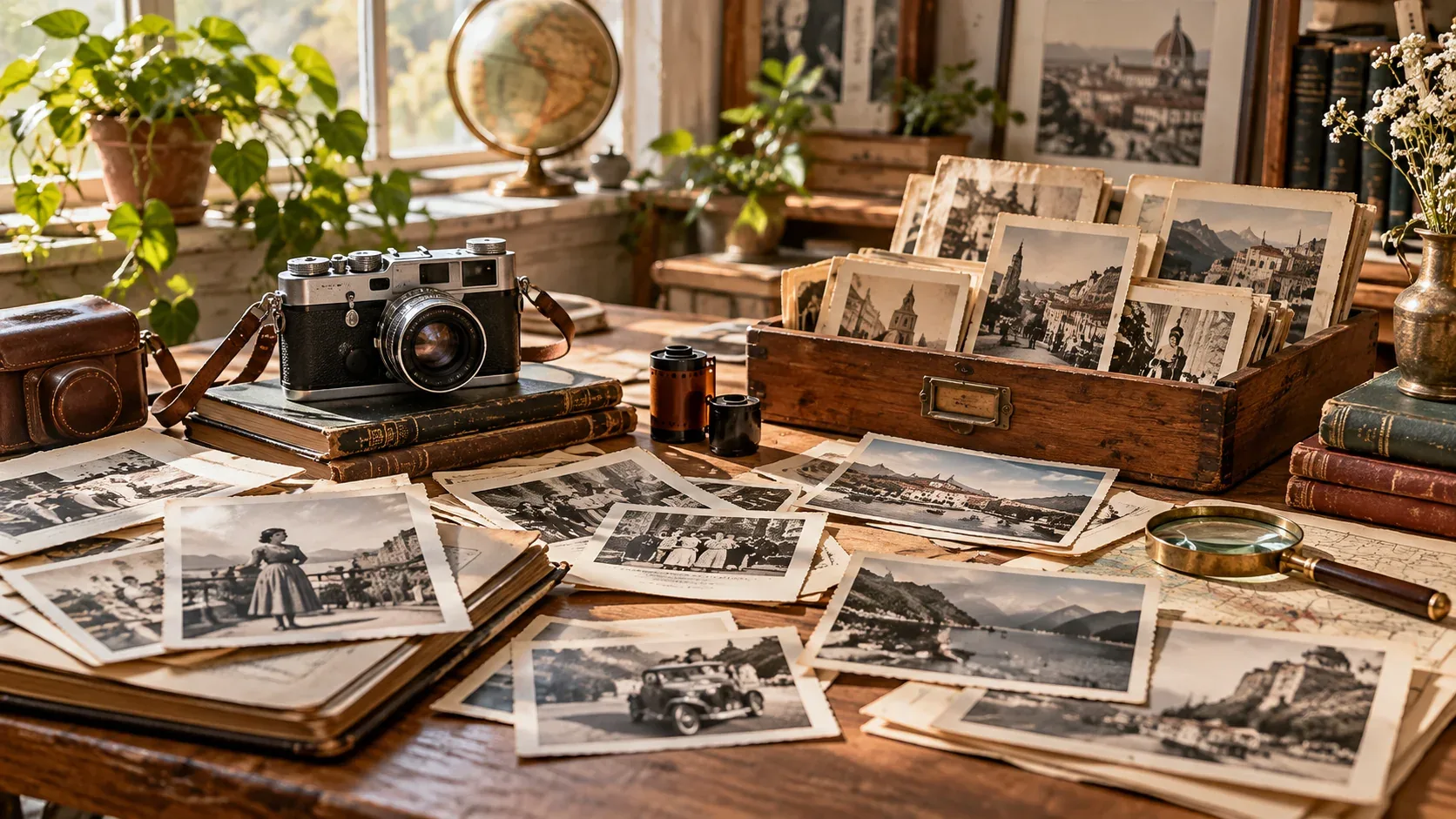
If you are searching for vintage royalty free images, the fastest way to get a useful result is to think beyond the keyword itself. The image still needs to fit the project, crop correctly, and come with licensing terms that match the intended use.
This guide focuses on a practical workflow: how to search more precisely, how to evaluate visual quality, and what to verify before an image becomes part of a commercial or editorial project.
Vintage can mean several different things
A search for vintage images can return genuine historical photography, scanned ephemera, restored archive material, modern photos styled to look old, retro illustrations, film textures, and AI-generated nostalgia.
Those categories have different strengths and different licensing questions.
Use dates and visual eras in your search
Instead of vintage office, try 1950s office interior, 1970s family kitchen, 1980s neon street, Victorian botanical illustration, or early 20th century factory.
Specific eras improve both visual accuracy and search relevance.
Authenticity lives in the details
Clothing, typography, cars, furniture, packaging, architecture, hairstyles, lighting, and photographic grain all influence whether an image feels historically believable.
A single modern object in the frame can break the illusion.
Public domain and royalty-free are not identical
Public-domain material is not the same licensing category as royalty-free stock. A royalty-free license grants defined usage rights, while public-domain status generally means copyright restrictions no longer apply or were not asserted in the same way.
If you are unsure which category an asset falls into, trace it to the original source and read the rights statement.
Use vintage imagery intentionally
Retro visuals work best when they reinforce the story or brand idea. They can communicate heritage, nostalgia, craft, history, rebellion, luxury, or playfulness depending on the era and treatment.
How to make the final choice
Before downloading, compare a few candidates at the size and crop you will actually use. Check whether the subject remains clear on mobile, whether text has enough breathing room, and whether the image still feels relevant after the first visual impression.
Then verify the license and save the source information with the project. If you need a broader refresher on licensing terminology, start with our royalty-free images guide. For faster searching, see how to search royalty-free stock images.
Explore visual assets on IHaveStock
IHaveStock is building a practical marketplace for stock photography and visual assets. Browse the marketplace when you need imagery for websites, campaigns, publishing, social content, and creative projects.