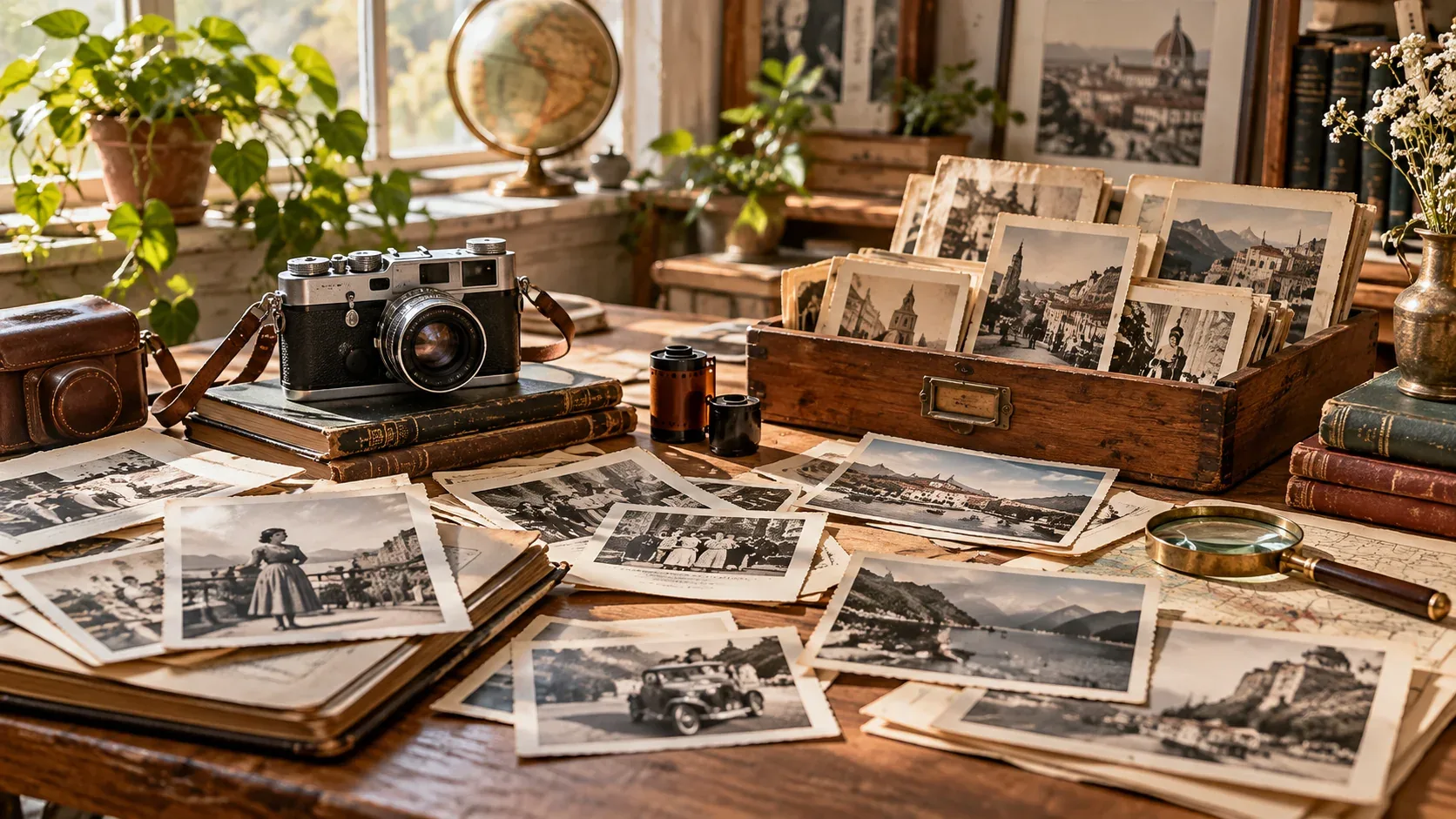



If you are searching for royalty free images for blog, the fastest way to get a useful result is to think beyond the keyword itself. The image still needs to fit the project, crop correctly, and come with licensing terms that match the intended use.
This guide focuses on a practical workflow: how to search more precisely, how to evaluate visual quality, and what to verify before an image becomes part of a commercial or editorial project.
Choose images that support the article, not just decorate it
A good blog image should clarify the topic, create context, break up long sections, or give the reader a visual example. Decorative imagery that adds no meaning can make an article feel more generic.
Create a repeatable search formula
Combine subject + setting + mood + composition + orientation. For example: small business owner office natural light horizontal copy space is more useful than business stock photo.
This method also makes it easier for multiple writers or editors to maintain a consistent visual standard.
Standardize dimensions before publishing
Choose repeatable aspect ratios for hero images, inline images, social previews, and cards. Consistent dimensions reduce layout shift and make responsive behavior easier to control.
For source-size decisions, use the high-resolution image guide.
Write alt text for accessibility and context
Alt text should describe the useful visual information in the image. Avoid stuffing keywords or repeating the article title. If the image is purely decorative, the implementation may call for empty alt text instead.
Store the license with the asset
A blog grows into a large media library quickly. Save source information, asset IDs, licensing notes, and filenames in a consistent system so images can be reused safely later.
How to make the final choice
Before downloading, compare a few candidates at the size and crop you will actually use. Check whether the subject remains clear on mobile, whether text has enough breathing room, and whether the image still feels relevant after the first visual impression.
Then verify the license and save the source information with the project. If you need a broader refresher on licensing terminology, start with our royalty-free images guide. For faster searching, see how to search royalty-free stock images.
Explore visual assets on IHaveStock
IHaveStock is building a practical marketplace for stock photography and visual assets. Browse the marketplace when you need imagery for websites, campaigns, publishing, social content, and creative projects.